Add custom code to WordPress safely.

Focused on flexibility, simplicity, and control, CSS & JavaScript Toolbox lets you safely add CSS, JavaScript, PHP, and HTML to your WordPress website. Whether you’re customizing a single page or your entire site, you can create and manage code blocks that run exactly where you need them.

545,578 +

Downloads

10,000+

Active installations

4.8 out of 5 Ratings

Take control of your custom code.

Whether you’re a designer, developer, or WordPress site owner, CSS & JavaScript Toolbox gives you the flexibility to add and manage custom code without editing your theme or plugin files.

From simple styling changes to advanced functionality, CJT keeps your custom CSS, JavaScript, PHP, and HTML organized and gives you control over exactly where your code runs.

Build, customize, and manage your WordPress website with confidence.

Code Blocks

Keep your custom code organized in individual, reusable code blocks. Create, edit, enable, or disable your customizations without digging through theme files.

Assignments

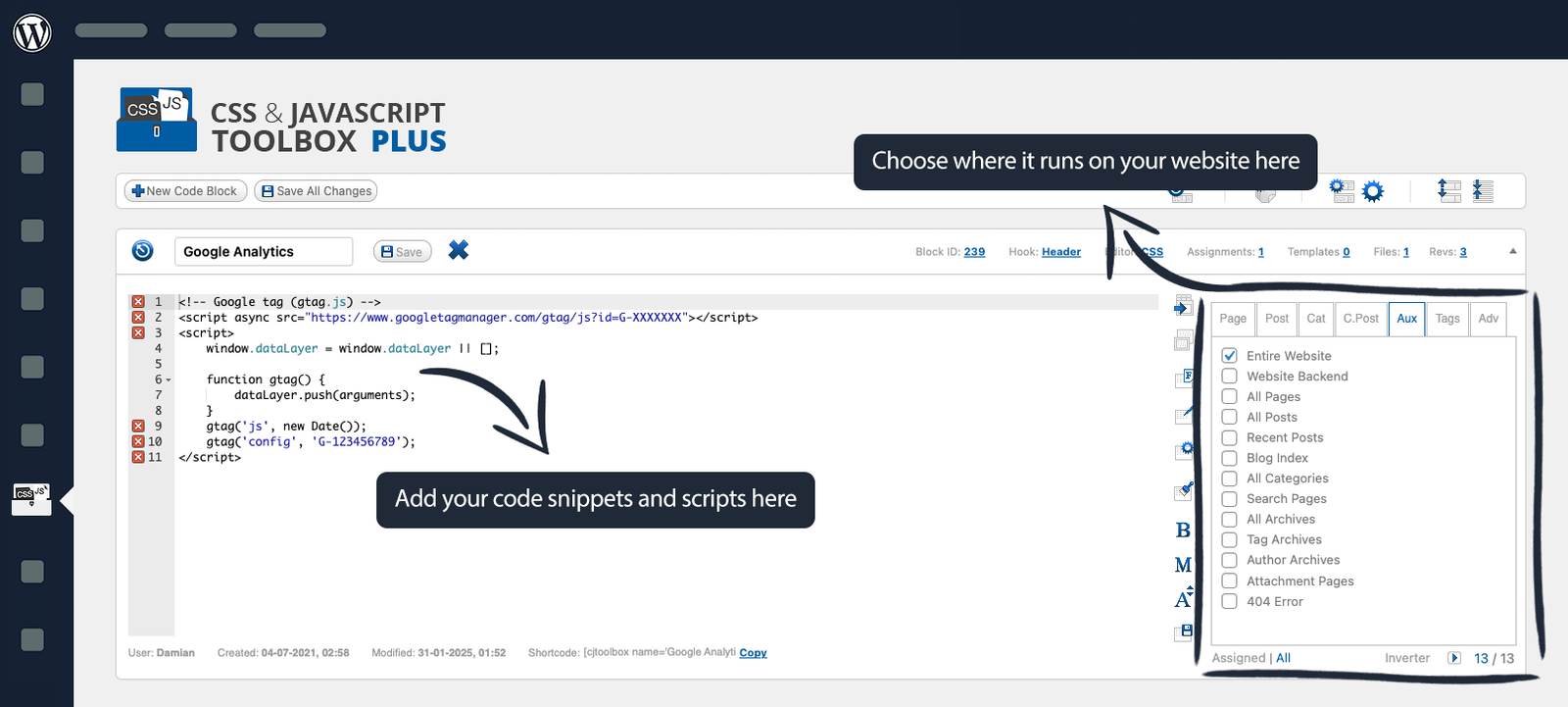
Keep your custom code organized in individual, reusable code blocks. Create, edit, enable, or disable your customizations without digging through theme files.

Multiple Languages

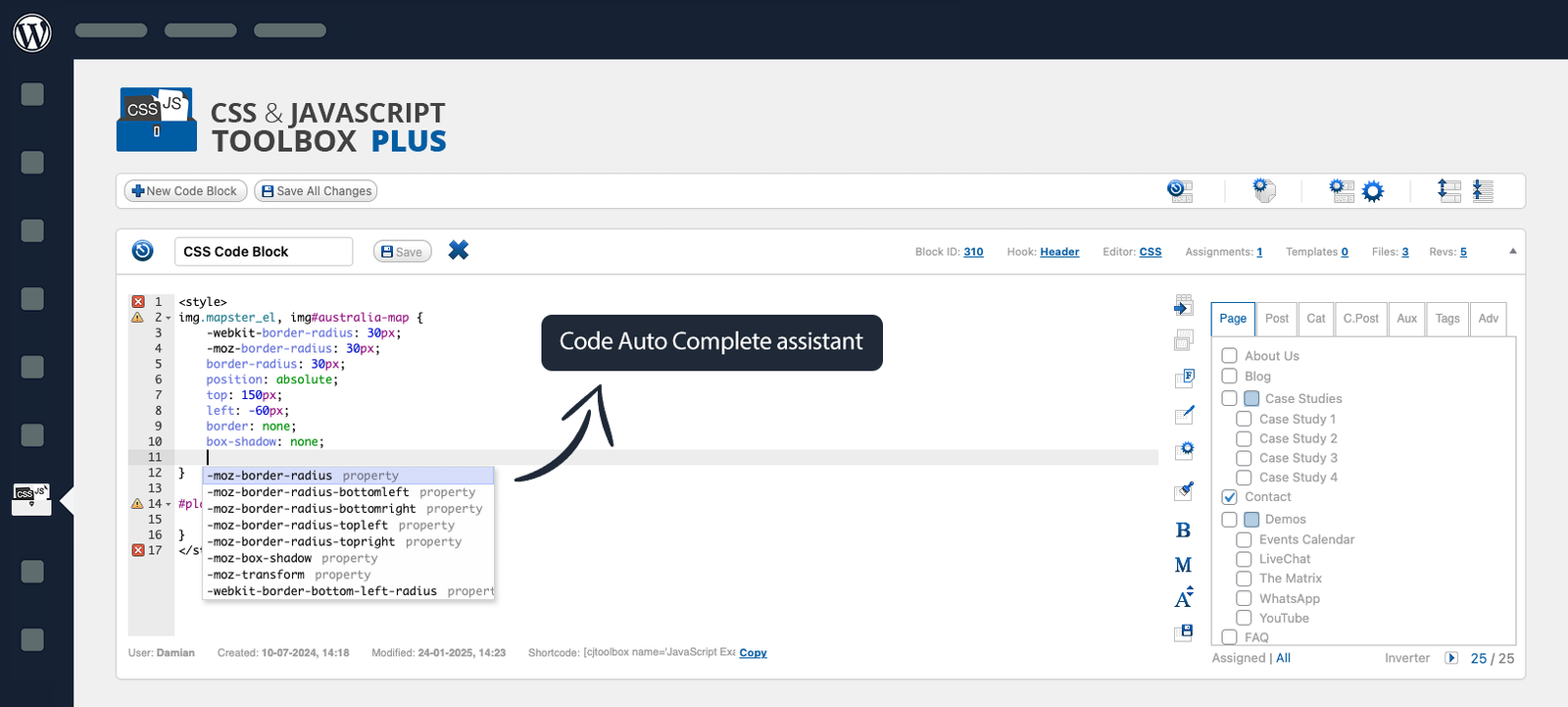
Work with CSS, JavaScript, PHP, and HTML from one convenient place, giving you the flexibility to build everything from simple design tweaks to advanced functionality.

Code Management

Keep your website customizations organized and easier to maintain. Manage your code blocks from one central interface and make changes whenever you need them.
Built for better WordPress customization.

Your custom code deserves the right tools.

Fast & Simple​

With over 10 years of user feedback and testimonials, we’ve designed a code snippet and script injection plugin that’s both fast and easy to use, streamlining your workflow like never before.

Streamlined Workflow

Create and manage your snippets and scripts from one dashboard. No FTP, scattered files, or unnecessary plugins.

Powerful & Flexible​

Handle as many code blocks as you need, all while managing their outputs across hundreds of locations, including WordPress pages and posts. Tested and optimized for performance.

Security First​

Safely add CSS, JavaScript, PHP, and HTML. Your code blocks are securely stored and protected within WordPress.

Code Revisions​

Never lose important changes. Browse previous revisions and quickly restore an earlier version of your code whenever needed.

Risk-Free Purchase​

Try CJT PLUS with confidence. If it isn’t right for you, get a full refund within 7 days of purchase.

Explore the premium CJT PLUS

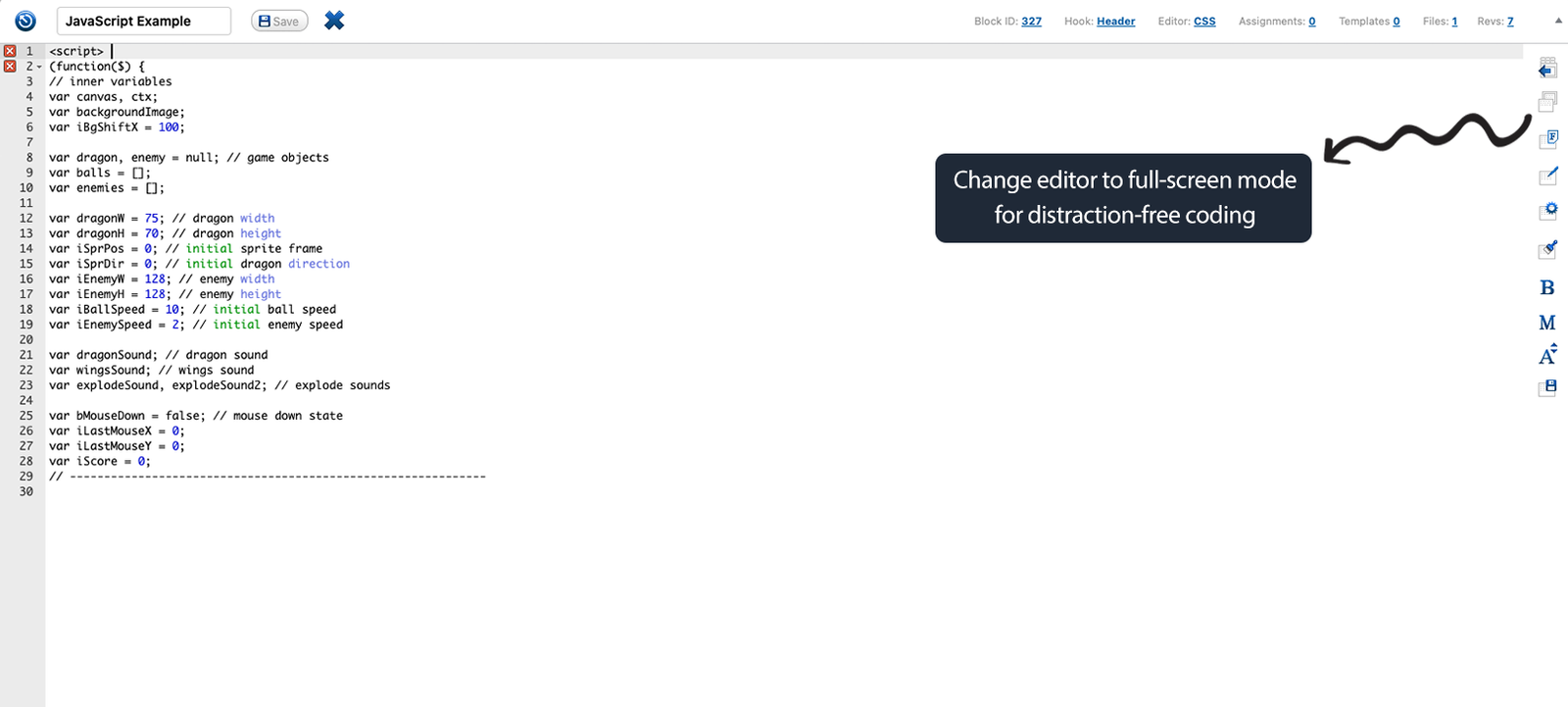
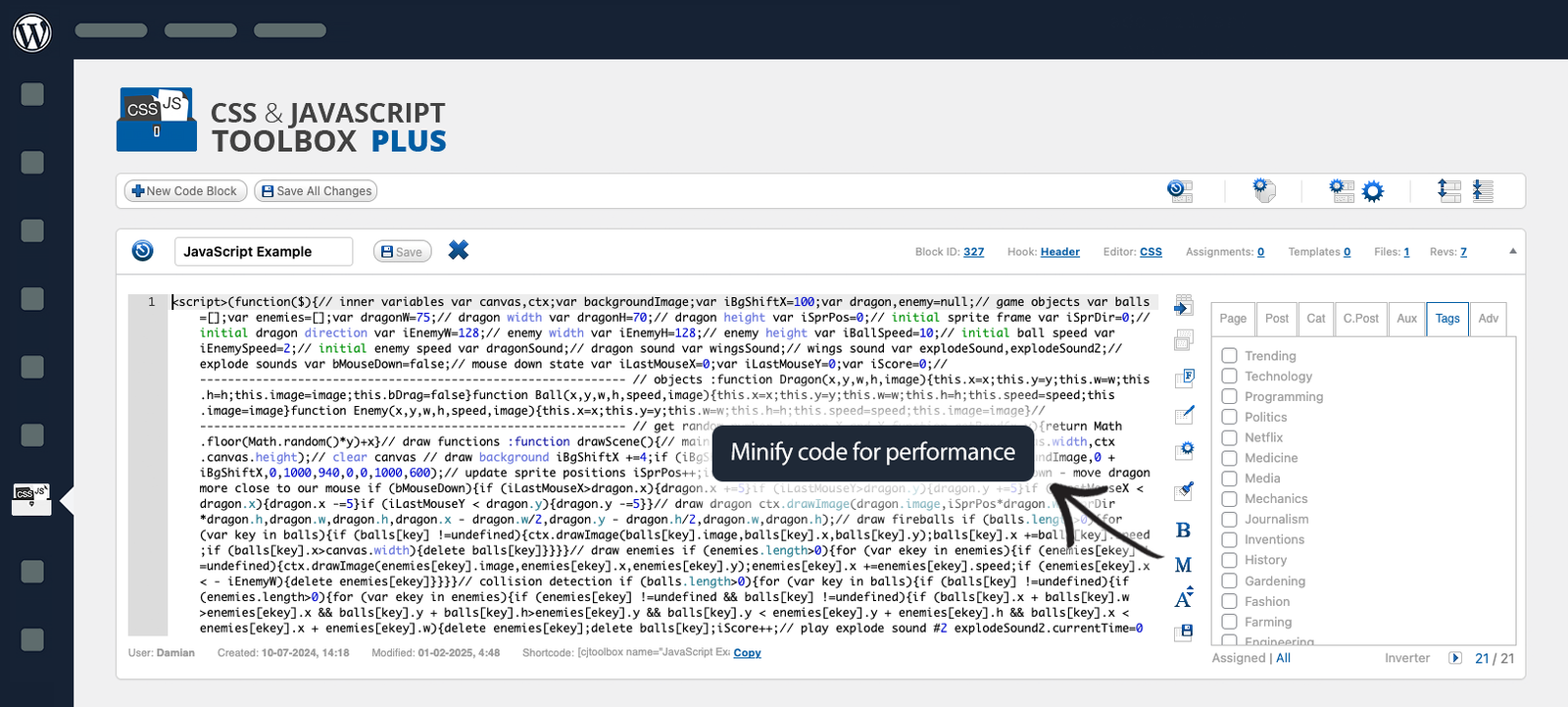
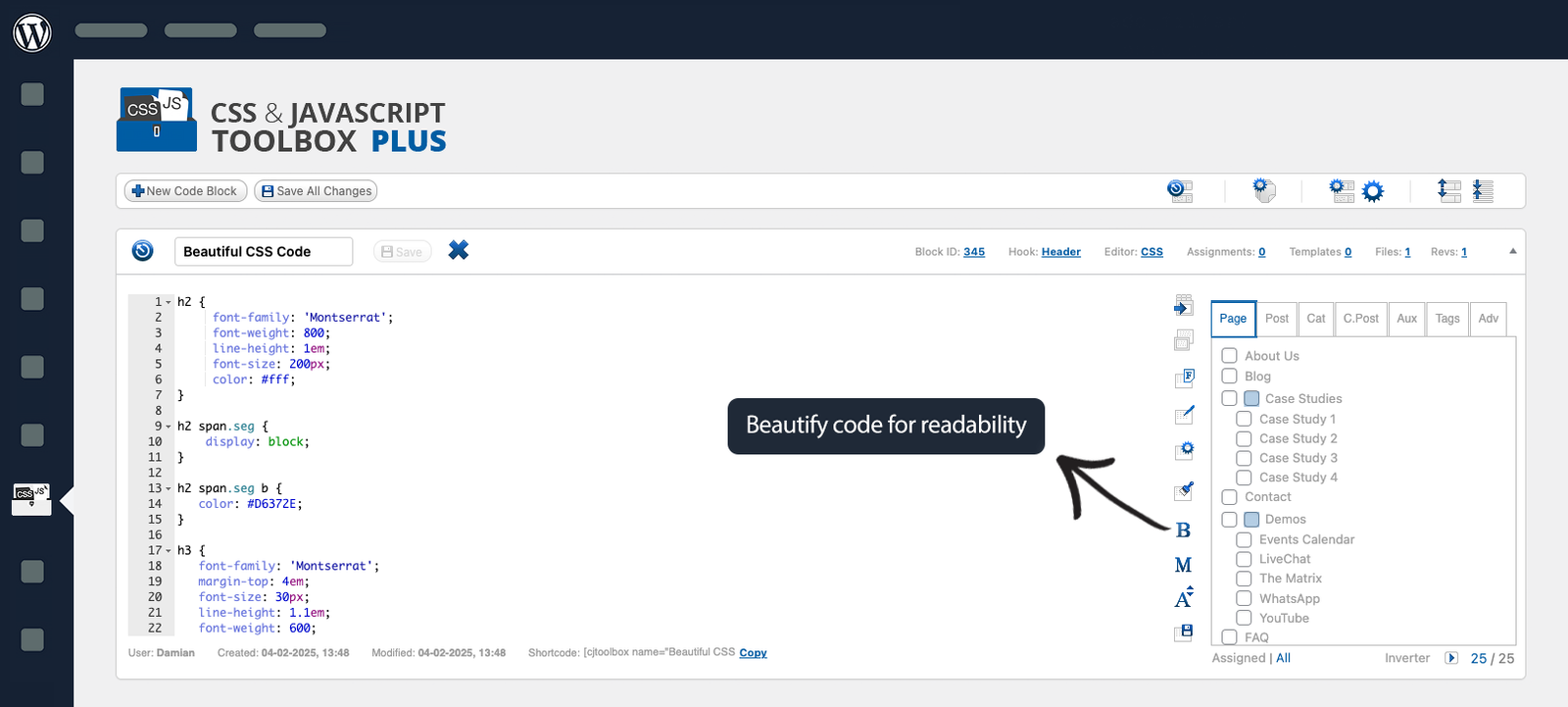
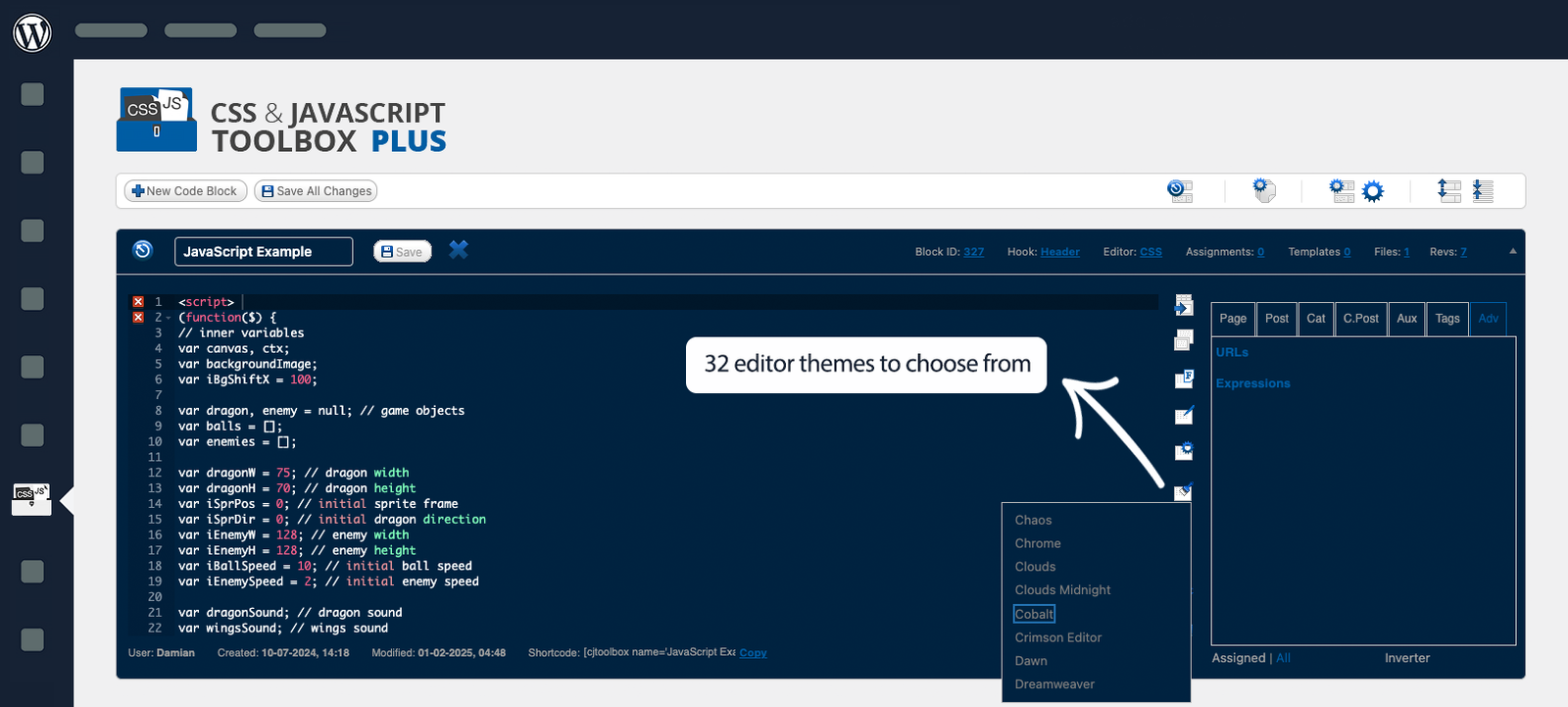
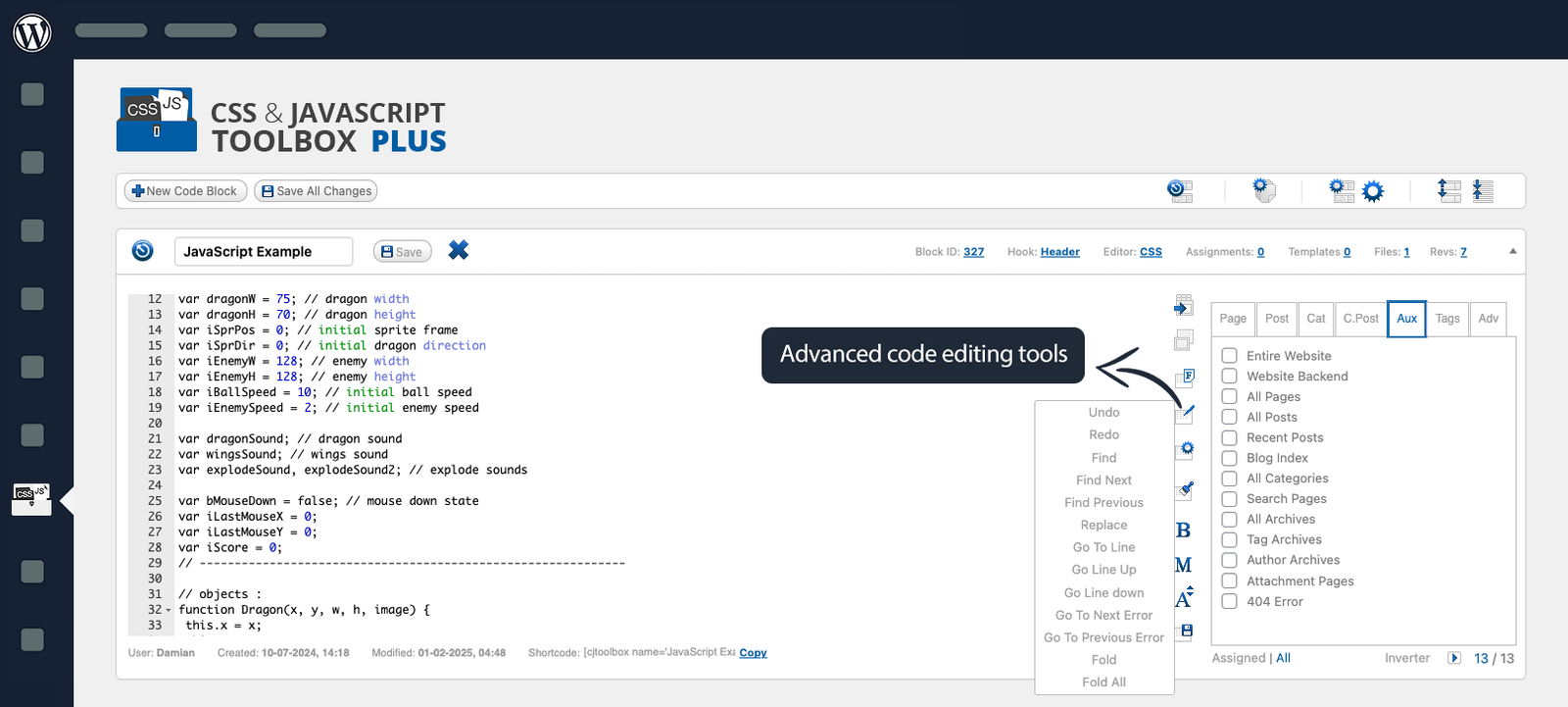
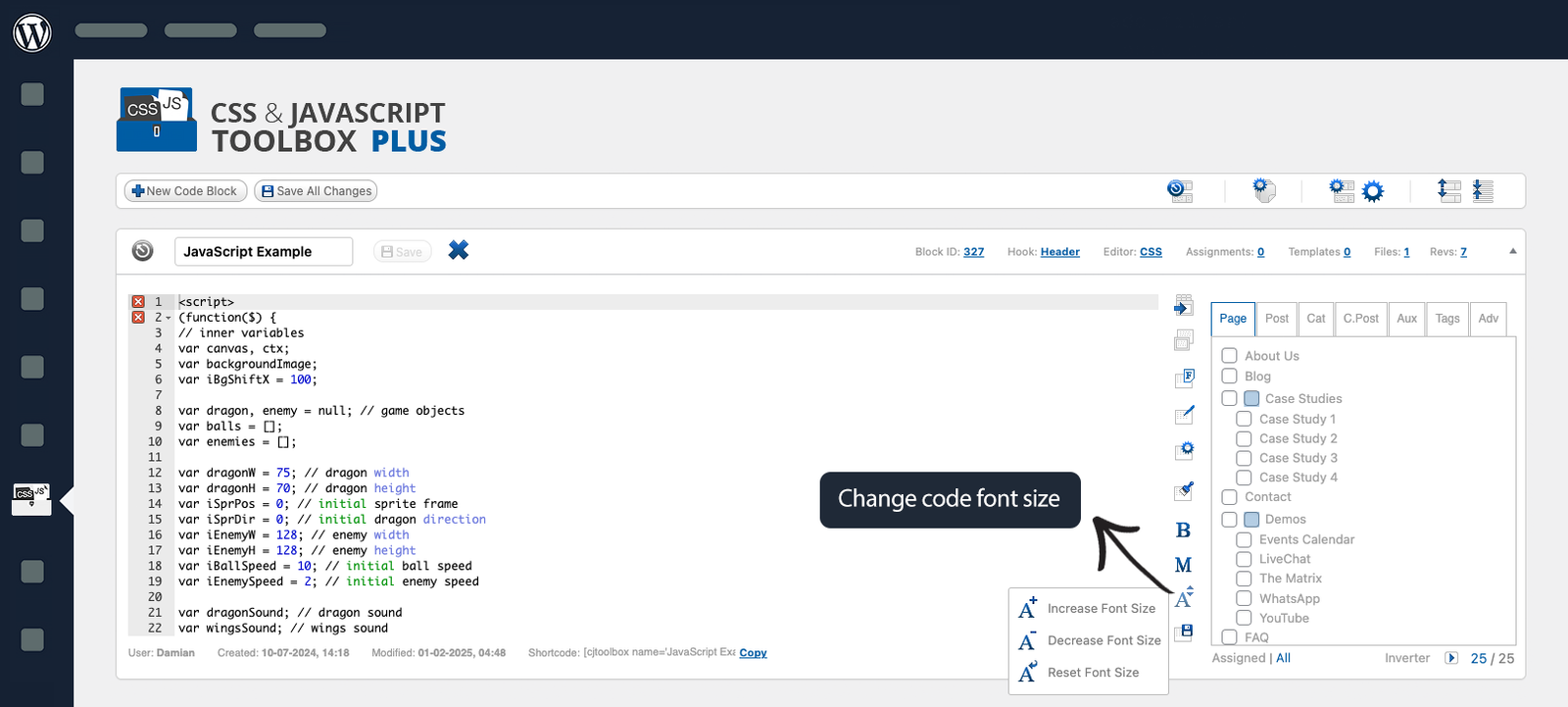
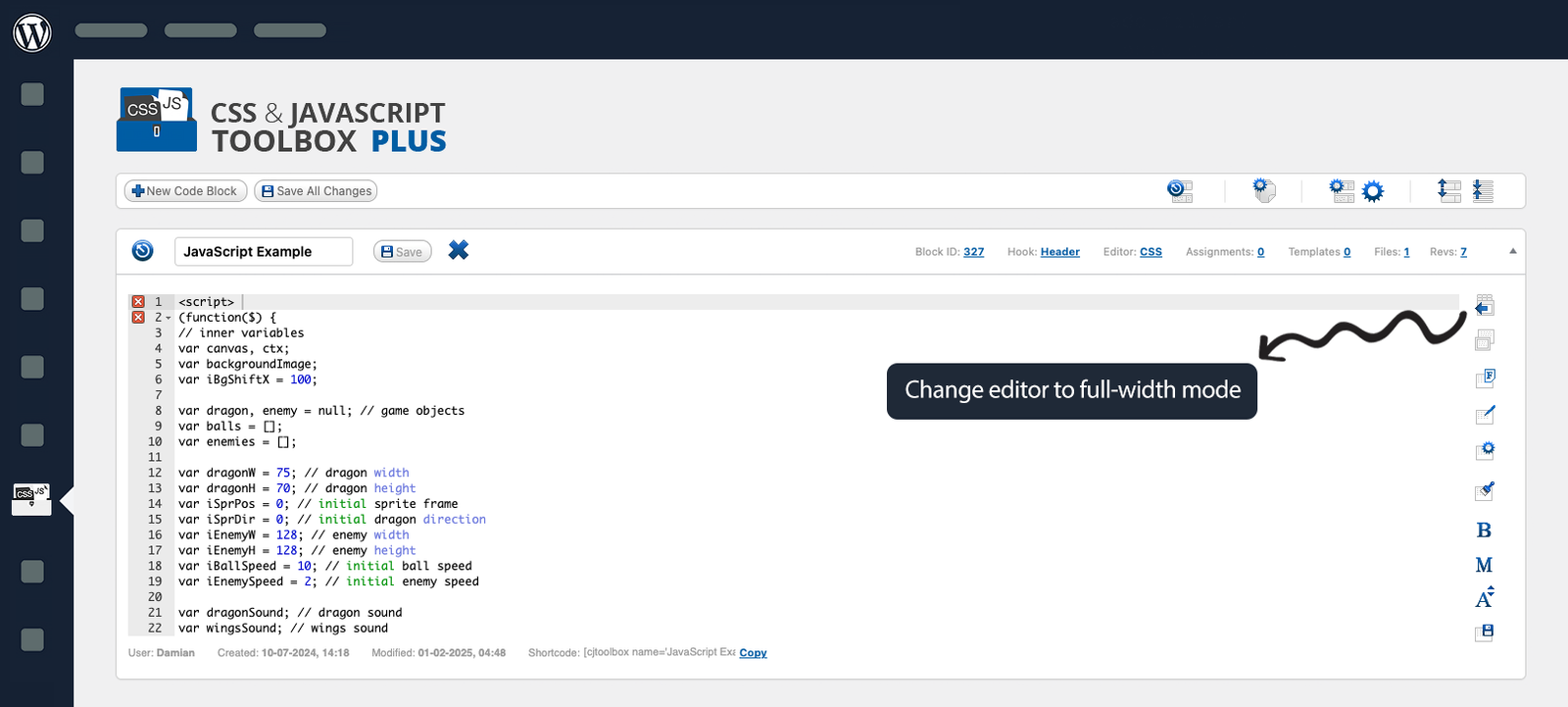
Premium Editor Tools offer a seamless coding experience with full-width and full-screen modes for distraction-free work. Enhance code readability with the beautify feature or optimize performance using code minification. Personalize your editor with over 32 themes, customizable syntax highlighting, and adjustable font sizes.
Organizations who trust CJT

What our customers say about CJT PLUS

We are incredibly humbled to have so many happy CSS & JavaScript Toolbox PLUS customers, we decided to let them speak for us. This is a small selection of the emails, reviews, and feedback we receive.

FAQs and answers!

What advantages does CJT Plus Plugin offer to my website?
CJT Plus Plugin offers a myriad of benefits for your website. It empowers you to effortlessly customize your WordPress site, add custom code snippets, and enhance its functionality without coding knowledge. With its best features, you can streamline your workflow, improve site performance, and create a unique user experience. Additionally, CJT Plus Plugin provides regular updates and excellent support, ensuring your website stays up-to-date and optimized for success.
Yes, CJT Plus Plugin is suitable for users of all skill levels. Whether you’re a beginner with limited coding experience or an advanced developer, CJT Plus offers intuitive tools and features to customize your WordPress site easily. With its user-friendly interface, comprehensive documentation, and helpful support, CJT Plus empowers users to create custom solutions without the need for extensive technical expertise. Whether you’re making simple tweaks or implementing complex customizations, CJT Plus provides a flexible platform to meet your needs and enhance your website’s functionality.
CJT Plus Plugin offers a range of features tailored to enhance your website’s functionality. From customizable code blocks and templates to shortcode and metabox options, it empowers users to customize their WordPress sites effortlessly. With CJT Plus, you can elevate your website’s aesthetics, optimize performance, and streamline your workflow with ease.
Yes, you can easily integrate CJT with your existing website. It’s designed to seamlessly integrate with WordPress, allowing you to enhance your website’s functionality and appearance without any hassle. Whether you’re a beginner or an experienced developer, CJT provides intuitive tools and features to customize your website according to your specific needs and preferences. With its user-friendly interface and comprehensive documentation, you’ll be able to effortlessly integrate CJT into your website and unlock its full potential to create a unique and professional online presence.
CJT is designed to be flexible and compatible with a wide range of plugins and themes. However, it’s always recommended to test compatibility with specific plugins and themes in your development environment to ensure smooth integration.
Yes, CJT is fully compatible with third-party plugins and themes. Its flexible design allows seamless integration with various WordPress plugins and themes, ensuring smooth functionality without conflicts or compatibility issues.
To start using CJT, first, install and activate the plugin on your WordPress site. Then, navigate to the CJT dashboard and begin creating custom code snippets or templates to enhance your website’s functionality and design. You can explore the plugin’s features, such as shortcode and metabox code blocks, global code blocks, and editor tools, to tailor your site according to your needs. Additionally, utilize the plugin’s documentation and support resources for guidance and assistance throughout the process.

Unlock Potential with Our Plugins!

Enhance functionality, boost performance, and elevate user experience with our premium plugins. Discover a world of possibilities for your website today.